TL;DR
- For a site with many properties, a blog and a team editing it, I'd choose Webflow and its built-in CMS.
- Squarespace and Netlify suit a basic site with limited edits.
- Guesty's website builder is fine for a basic site, but it's limited for custom styling, and you should check what happens to it if you change software.
- The costly mistake is picking the wrong builder first, then paying extra when you add a blog or more properties.
The best vacation rental website builder depends on how many properties you have and who will edit the site. For a business with lots of properties, a blog, and both guests and owners to speak to, I'd choose Webflow, because its built-in CMS lets anyone on the team add a villa or write a post once it's set up. Squarespace or Netlify suit a basic site with few edits, and Guesty's own builder only suits a basic site if you're staying with Guesty.
I've worked with all four: Webflow, Squarespace, Guesty's website builder and Netlify. This is an honest comparison from that experience, written for property and vacation rental managers, with the facts I could check against each platform's own documentation.
The quick comparison
| Platform | Best for | Editing | Watch out for |
|---|---|---|---|
| Webflow | Many properties, a blog, and content for both guests and owners | Visual editor with a built-in CMS. Anyone on the team can edit once it's set up | Needs a proper initial setup. Plans are per site, so check current pricing |
| Squarespace | A basic website with few pages | Relatively easy to edit | Better for a simple site than for a growing property portfolio |
| Netlify | A basic website with limited edits | A hosting platform rather than a page editor, so changes are less point and click | Not the right tool if non-technical staff need to edit pages often |
| Guesty's website builder | A basic booking site, if you're staying with Guesty | Template-led, with limited freedom over style, fonts and layout | Works only with Guesty's booking engine, so changing software means starting again |
How to choose
Four questions settle most decisions:
- How many properties will the site show? Five pages is a different job from fifty. Each new property should be a form to fill in, not a page to build by hand.
- Who will edit it? If a marketing person writes blogs and an operations person adds villas, photos and videos, you need a site they can both change without a developer.
- Who is it for? A site that speaks to guests and to owners looking for a manager needs separate sections, blog categories and pages, not one brochure page.
- Might you change booking software? If so, the website shouldn't depend on one provider.
Choosing a website setup for your rentals?
Tell me what you have now and I'll point out what to fix first. Free, with clear priorities.
Get Your Free AuditWebflow: best for many properties and a blog
For a website with a blog, many properties, and content aimed at both guests and owners, I'd choose Webflow with its built-in CMS. At the Bali villa management company I freelanced for, they moved from Guesty's builder to Webflow, and the difference was in how easily the whole team could work on the site:
- Anyone could edit it. The marketing person published blog posts, and the operations person added new villas, images and videos. Text was easy to change, and it was simple to reformat a page or add a new block.
- Properties are set up once. Villas live in a CMS collection, so a new villa is a new entry, and the pages that list properties update themselves.
- It runs smoothly. Day to day, the site just worked, and editing was never a chore.
- The billing is simple. You can pay once a year per site plan. Webflow has changed its plans recently, so check its pricing page for current prices before you decide.
Two honest caveats. First, it works best when someone sets it up properly at the start: the company hired a web developer, and after the template was built the team took over. Second, think about portability. Webflow's code export doesn't include CMS content, which is exported separately as a CSV file, so leaving Webflow later still takes some work (Webflow help; CSV export). Even so, it's far easier to take with you than a site that can only work with one booking provider.
Squarespace and Netlify: good for a basic site
If you manage a few properties and you rarely change the site, you don't need a CMS.
- Squarespace is a good choice for a basic website. It's relatively easy to edit, so a non-technical owner can update text and photos without help.
- Netlify is great for a basic website with limited edits. It's a hosting platform, so it suits a simple site that is built once and changed occasionally, rather than one a whole team updates every week. My own website is hosted on Netlify.
Both become limiting once you're adding properties regularly or publishing a lot of content. At that point, a CMS-based platform saves time.
Guesty's website builder: what to know first
Guesty's builder is a reasonable starting point for a basic website, but it's more limited than people expect, especially if you want your own style, fonts and formatting, or if you're speaking to owners as well as guests. A few facts, from Guesty's own help centre:
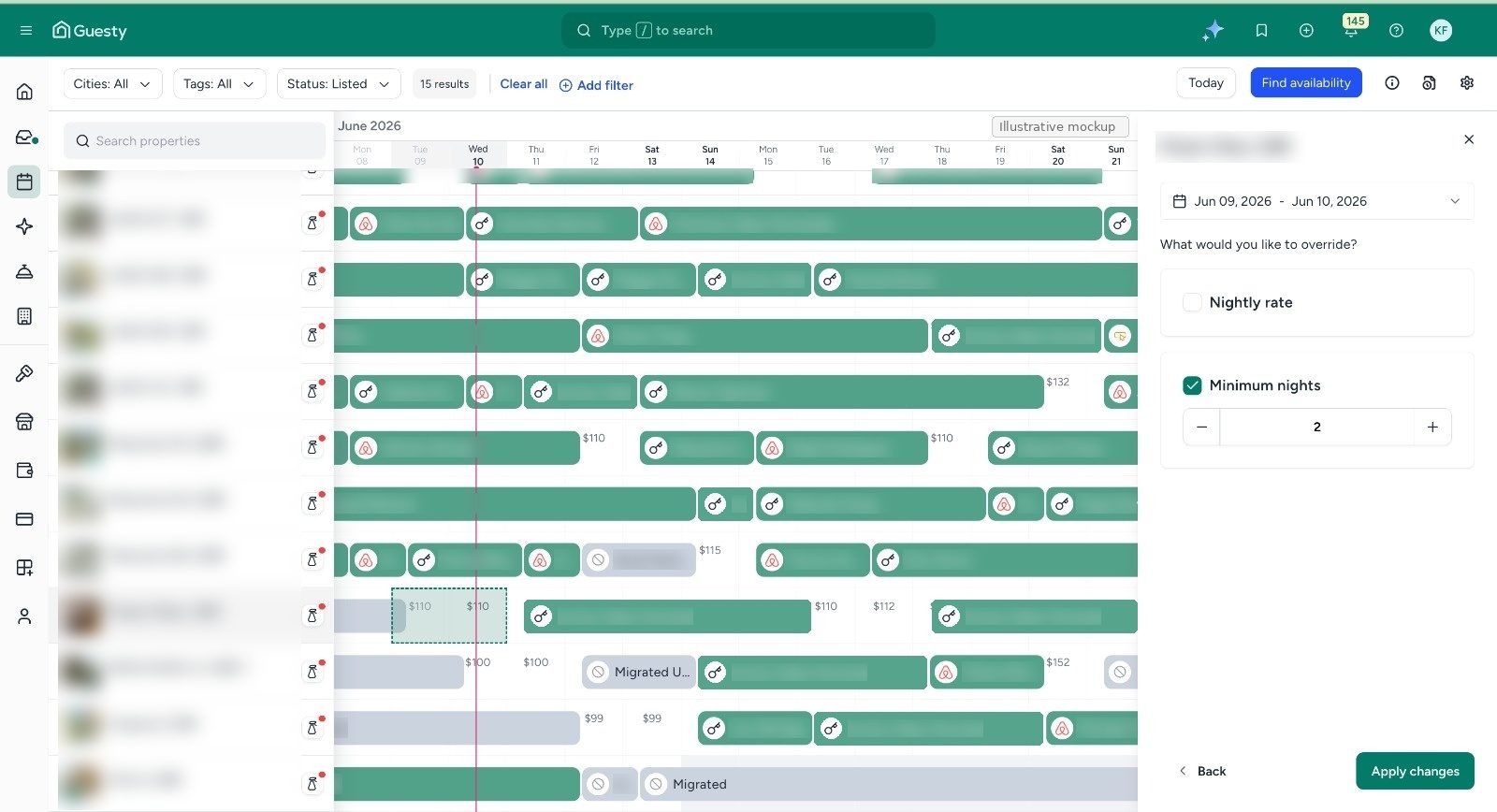
- Two tiers. The Basic Website is free on a Guesty subdomain, and connecting your own domain costs $15 a month. The Advanced Website costs $49 plus 0.5% of direct booking volume per month (Guesty billing).
- Blog and custom code are Advanced features. The Basic site is a single page, and the built-in blog and custom code are only in the Advanced tier (Guesty pricing plans).
- It only works with Guesty's booking engine. Guesty says its websites can't be connected to other third-party booking engines.
That last point matters more than it first appears. If you change property management software, the website built on Guesty's builder can't simply follow you, so in practice you start the website again. I couldn't find a documented way to export a whole Guesty site, with its pages, design and text, to rebuild elsewhere. Guesty's backups are restore points inside Guesty (Guesty backups). If you're thinking of switching, ask Guesty support what you can take with you before you build.
In my experience freelancing for the villa company, the Guesty site was also harder for the team to work with: less freedom, more reliance on the ready-made templates, and more restricted when the team wanted to reformat things or add content. A website you own, on a platform you can edit freely, is the safer long-term choice. For the SEO side, see why your booking engine isn't helping your Google rankings.
The mistake I see most often
Choosing the wrong platform at the start. A business begins with something that suits a small site, then pays extra when it adds a blog, or when it grows so much that new pages have to be built by hand for every new property and linked from the main property page. A CMS platform centralises all of that. Set up properly once, it's done, and edits are easy.
Once your website is built, the next job is connecting it to your booking engine and giving guests a reason to book direct. That's covered in how to set up a direct booking website.
Frequently asked questions
What is the best vacation rental website builder?
It depends on your size. For many properties, a blog and content for guests and owners, I'd choose Webflow because of its built-in CMS. For a basic site with few edits, Squarespace or Netlify work well.
Can I use Guesty's website builder with another booking system?
No. Guesty says its websites are used with the Guesty Booking Engine and can't be connected to other third-party booking engines (Guesty pricing plans).
What happens to my Guesty website if I switch software?
I couldn't find a documented way to export a full Guesty site, so you should plan to rebuild it. Ask Guesty support before you switch what, if anything, you can take with you.
Is Webflow hard to use?
The first build takes skill, which is why the company hired a web developer. After that, the team could add villas, edit text, swap images and videos, and add new blocks without help.
What about WordPress?
WordPress is a common choice and can work well with a good developer. I haven't built a rental website on it, so I won't rank it against the others here.
Do I need a template?
Not necessarily. A template can speed up a first build, but the problem with ready-made templates is how little freedom they give you over style and layout. Whatever you pick, plan to write your own property descriptions rather than reusing OTA text.
How much does a vacation rental website cost?
It varies by platform, whether you hire a developer, and your plan. Guesty's basic site is free on its subdomain but costs more once you add a custom domain or the Advanced tier. For Webflow, Squarespace and Netlify, check each provider's current pricing page.
Not sure which platform fits your portfolio?
I'll send you a short, free review of your website and booking setup.
See the results this approach got for a villa manager: read the case study.
Get Your Free AuditSources
- Guesty Websites billing (Guesty Help Center)
- Guesty Websites pricing plans (Guesty Help Center)
- Advanced Website: Backup sites (Guesty Help Center)
- How do I export my Webflow site code? (Webflow Help Center)
- Export CMS content as a CSV (Webflow)

Ayisha Jose
SEO and AEO specialist for property managers. I help property and vacation rental managers rank on Google, get cited by AI, and win more direct bookings. I have freelanced on marketing and operations for a Bali villa management company.